If you want an authoritative guide to applying for the Apple Card Mastercard, you need clear facts on features, rates, eligibility, and support.
Apple Card runs on the Mastercard network, is issued by Goldman Sachs, and lives inside the Wallet app on iPhone or iPad. You can see an initial offer without impacting your credit, then accept if the terms work for you.
This article explains the details you should confirm before you apply and how to improve your approval odds.
What Is the Apple Card Mastercard?
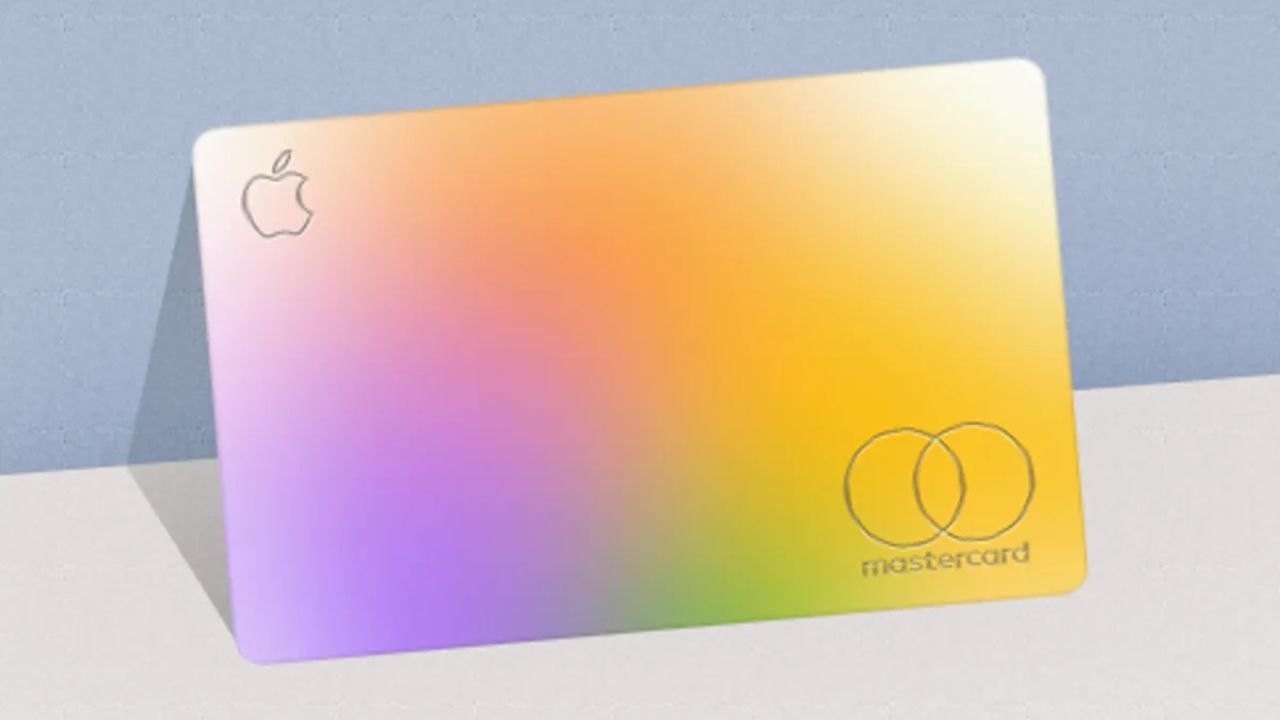
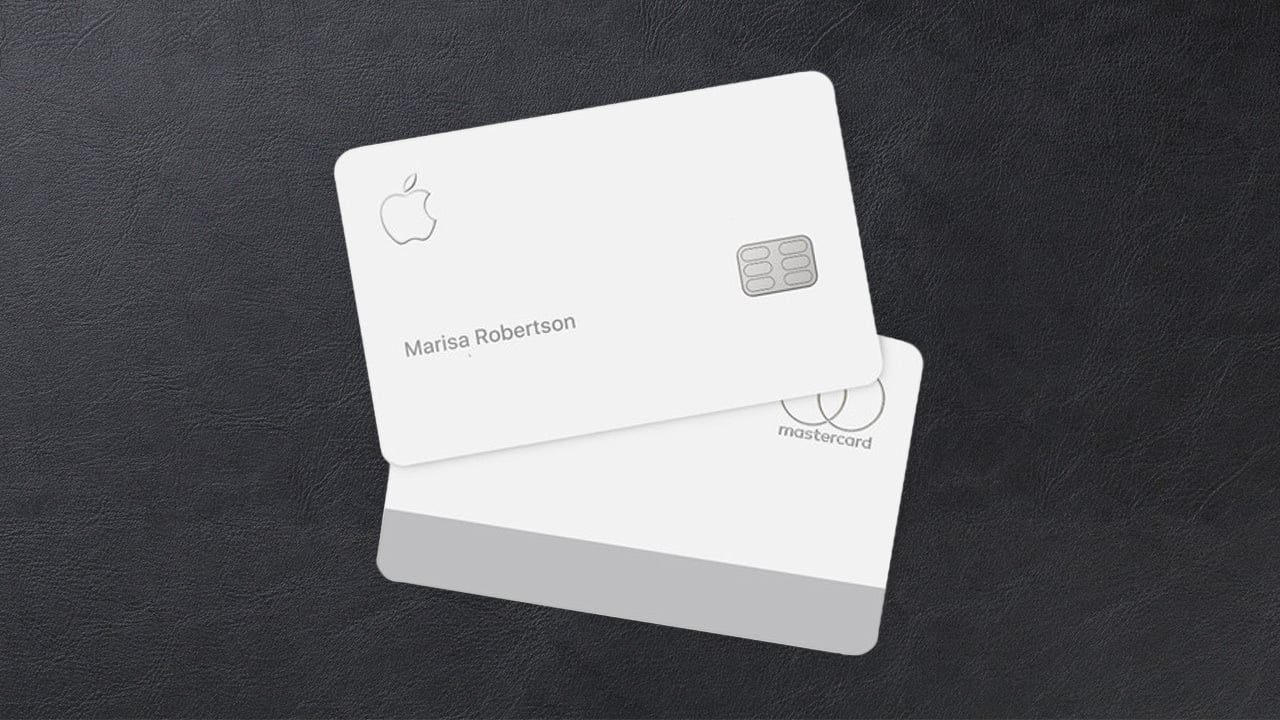
Apple Card is a consumer credit card built for iPhone and Apple Pay, with a titanium card available for merchants that do not take contactless payments.
The card emphasizes privacy controls, spending transparency, and interest tools inside Wallet, while using the Mastercard network for global acceptance.
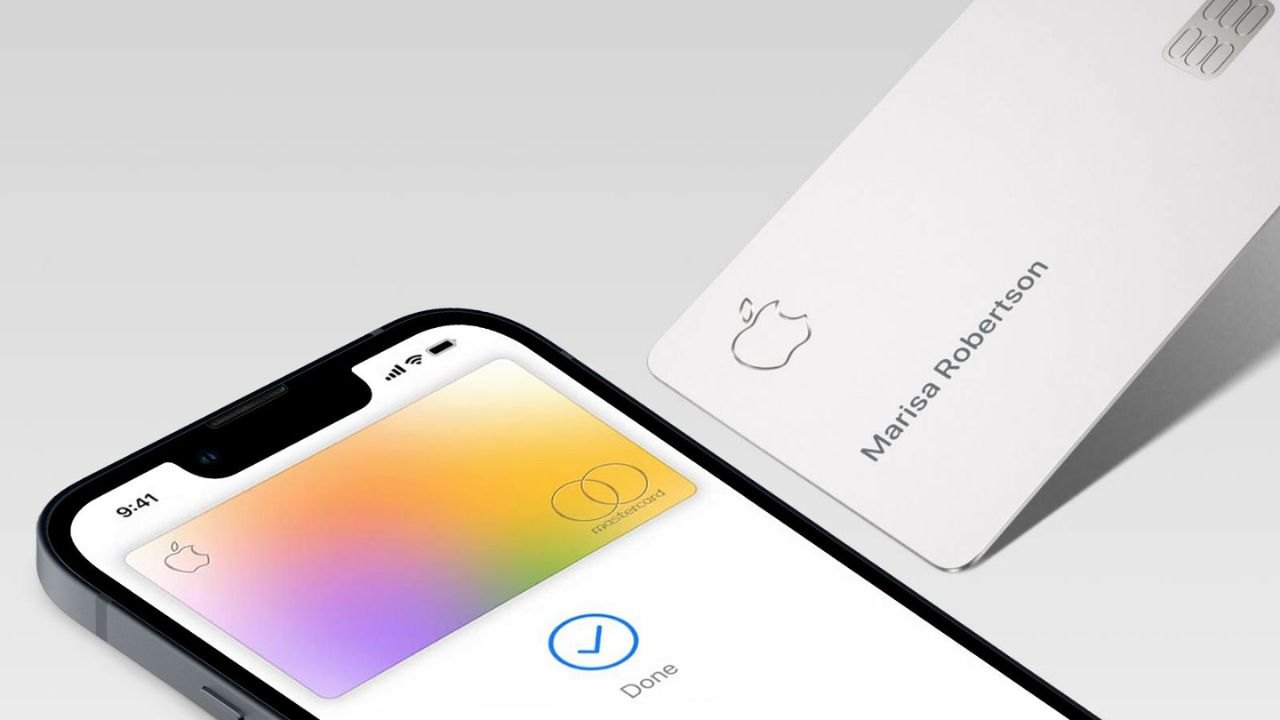
Apple positions Apple Card as a fee-free product with Daily Cash rewards on every purchase. Goldman Sachs Bank USA, Salt Lake City Branch, is the issuer of the account.
Core Features You Should Know
Apple Card has no annual fee, no foreign transaction fee, and no late fee, which simplifies cost comparisons with traditional cards.
Daily Cash posts as real cash: 3% on Apple purchases and select merchants with Apple Pay, 2% on other Apple Pay purchases, and 1% when you use the physical card number or titanium card.
You manage statements, payments, spending categories, and virtual card numbers entirely in Wallet or at the Apple Card website. Mastercard benefits like Zero Liability and ID Theft Protection also apply to cardholders.
Interest Rates and How They Are Set
Apple Card uses a variable APR tied to creditworthiness and market conditions, and Apple publishes the current range on its official pages.
As of October 1, 2025, variable APRs for new accounts range from 17.99% to 28.24%.
Apple’s payment interface shows projected interest as you choose an amount, which helps you estimate costs before you schedule a payment. Existing customers can view their exact APR anytime in Wallet.
Fees, Statements, and Foreign Purchases
Apple Card’s fee schedule is straightforward: there are no annual, late, foreign transaction, or over-limit fees. Foreign currency conversions are handled by Mastercard at network rates, and Apple states it does not add its own exchange fee.
Monthly statements and transaction details reside in Wallet, with downloadable PDFs for your records.
If you use Apple Card Monthly Installments for eligible Apple purchases, promotional 0% APR terms apply to the installment balance as disclosed at checkout.
Approval Odds: What Apple and Goldman Sachs Consider
Apple and Goldman Sachs evaluate your application using your TransUnion credit file, reported income, and existing debt obligations.
Apple’s support guidance notes that a low FICO® Score 9 (for example, below 600) can lead to denial, though approvals always depend on the entire profile.
You can view an initial offer with no impact to your score, and your credit is only hard-pulled if you accept.
If your application is declined, you receive reasons and steps you can take before reapplying.
Practical Ways to Improve Your Chances
Make sure your personal information matches your ID and credit file to avoid verification delays. Reduce card balances to lower your utilization, bring any delinquencies current, and confirm reported income is accurate and consistent.
If invited to Path to Apple Card, follow the program’s guidance and timeline before reapplying. Review your TransUnion report for errors, then apply again after the issues are fixed and reflected in an updated score.
How to Decide if Apple Card Fits Your Wallet in 2025
Choose Apple Card if you value cash-back simplicity, live in the Apple ecosystem, and want robust in-app controls with no fees.
Confirm your APR range, your approval odds, and 3% partner eligibility before large purchases to maximize Daily Cash. If you frequently travel, Mastercard acceptance and no foreign transaction fees are practical advantages.
If you carry balances, use Wallet’s interest tools, and consider paying early or more than the minimum to limit costs.
Eligibility and Requirements to Apply in 2025
Apple Card is available to qualifying U.S. applicants who meet age and residency requirements and who use an iPhone or iPad with the latest iOS or iPadOS.
You must sign in with your Apple Account, enable two-factor authentication, and set up Apple Wallet.
A valid physical U.S. address is required; military addresses are supported. Availability and credit approval remain at Goldman Sachs’ discretion under its underwriting criteria.
How to Apply Step by Step
Open Wallet on your iPhone, tap the plus sign, and select Apple Card to start the application. You will enter personal information, income, and the last four digits of your Social Security number for identity verification and credit evaluation.
If approved, you will see a credit limit and APR offer with no score impact unless you choose to accept. After you accept, your card is immediately ready for Apple Pay, and you can request the titanium card if needed.
After Approval: Managing Your Account
Use Wallet to set payment schedules, view spending by category, rotate card numbers, and request credit-limit reviews.
Interest estimation updates in real time as you adjust payment amounts, which encourages larger payments to reduce charges. Daily Cash can flow to Apple Cash or to your Apple Card Savings account for growth, subject to terms.
You can also add authorized participants or co-owners through Apple Card Family if it fits your household’s needs.
Customer Service, Issuer, and Headquarters
For questions about your account, Apple directs customers to Goldman Sachs Bank USA support for Apple Card servicing.
The official Apple Support page lists 877-255-5923 as the Goldman Sachs contact number for Apple Card questions from U.S. territories, and that number routes to Apple Card servicing for U.S. customers as well.
Apple’s corporate headquarters address is One Apple Park Way, Cupertino, CA 95014, while Mastercard’s global headquarters is 2000 Purchase Street, Purchase, NY 10577.
Conclusion
The Apple Card Mastercard pairs everyday cash back with zero fees, strong network protections, and iPhone-native controls that simplify account management.
With the facts on features, rates, eligibility, and servicing, you can apply confidently and manage your Apple Card responsibly throughout 2025.
Note: There are risks involved when applying for and using credit. Consult the bank’s terms and conditions page for more information.